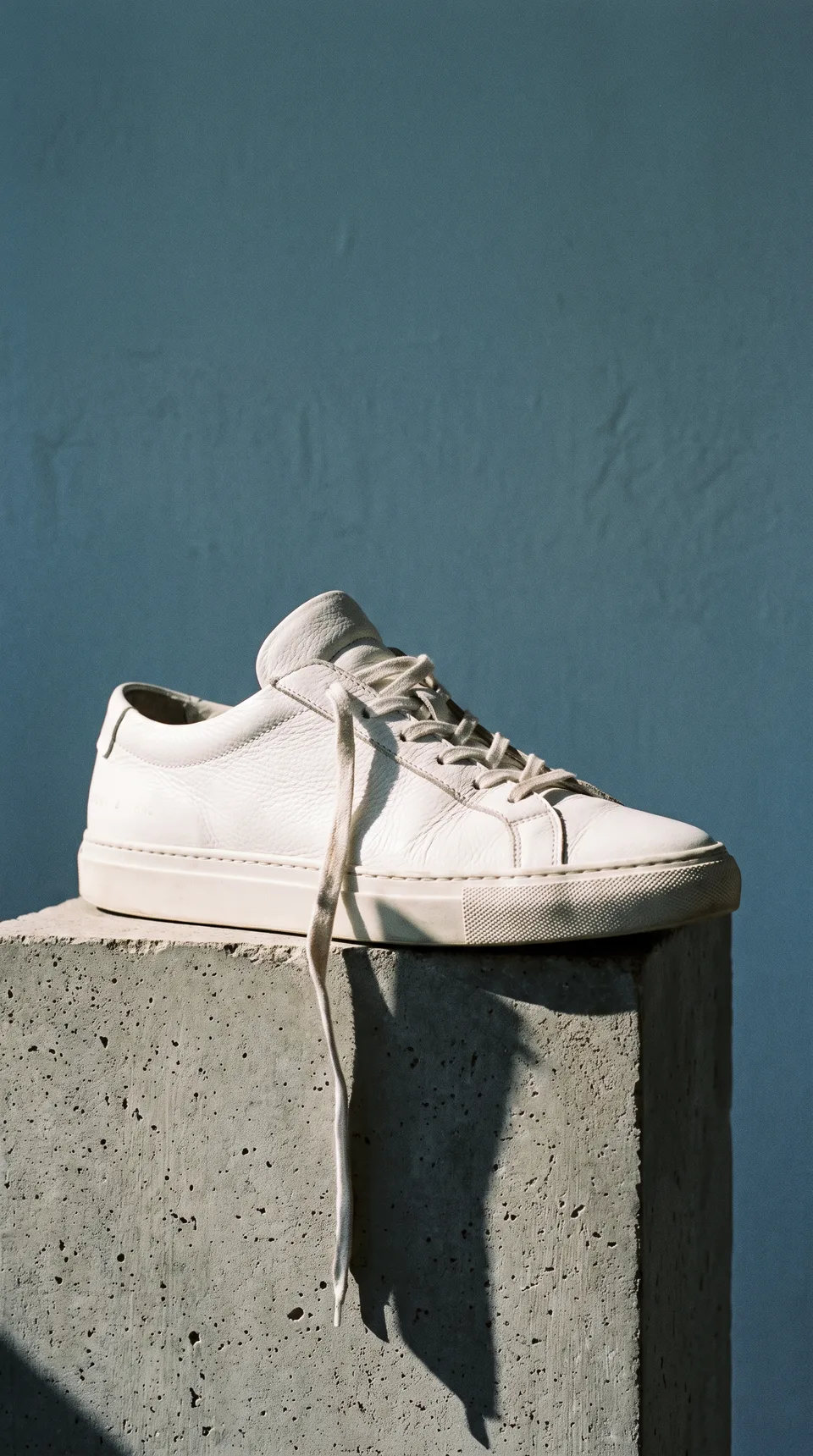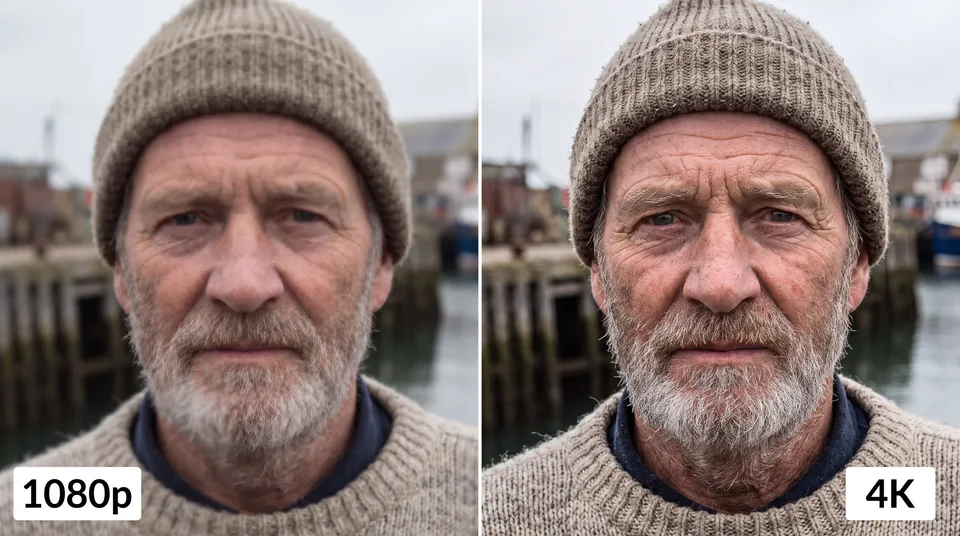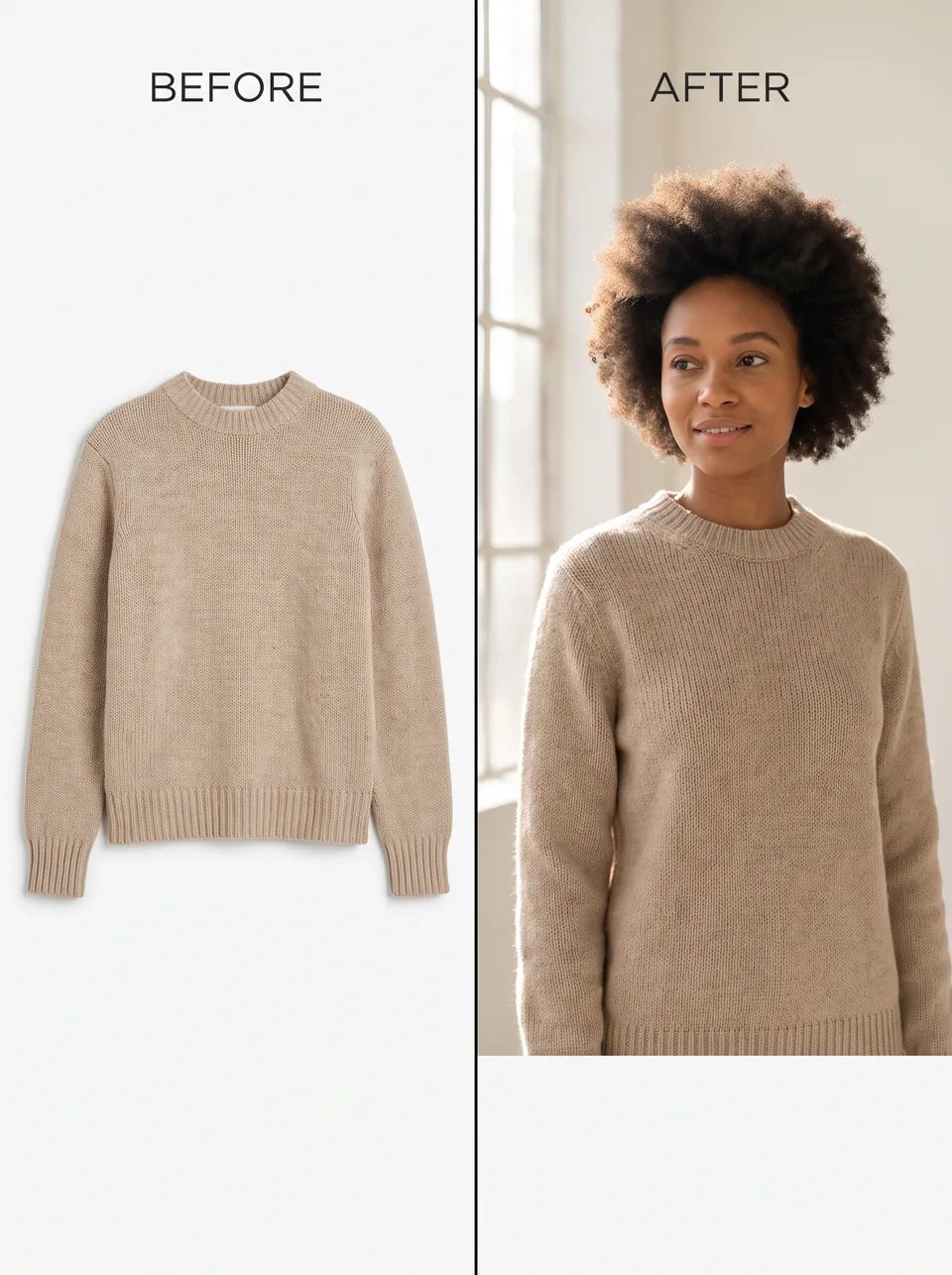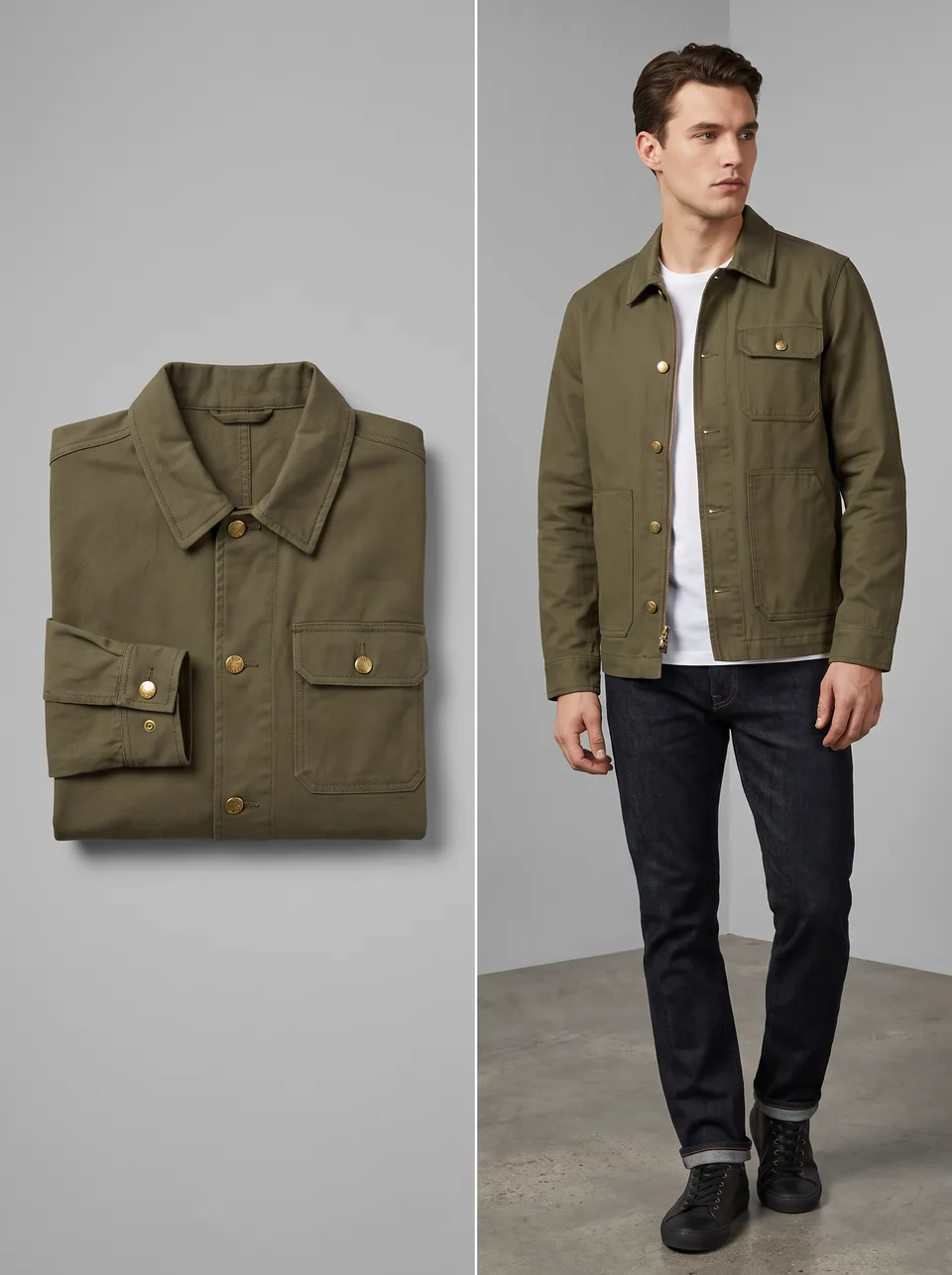


Creative stage: Give the idea a job to do.
As you scroll, one idea moves through image creation, editing, video, and remixing.
  1. AI image and video creation, built for iPhone.

    Make more from one idea.

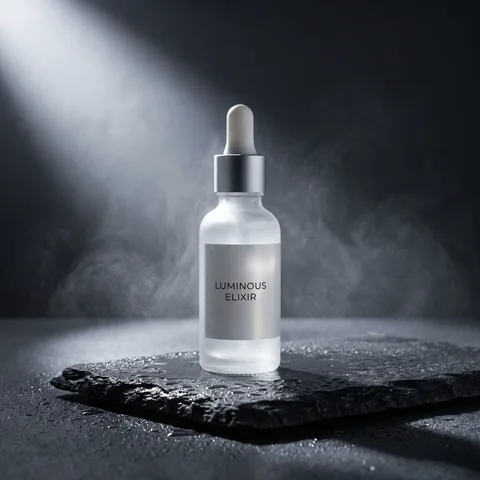
    Create a product ad, preview a room makeover, animate a photo, or build a visual from scratch. Aigenix brings multiple AI models into one connected iPhone workflow.

    Coming soon to iPhoneSee what you can make

    From spark to something useful

    Start with words, a photo, or inspiration.

    Move from a rough idea to a finished image or short video without rebuilding your work across different apps.

    Imagine

    Give the idea a job to do.

    Describe what you need and who it is for: a launch image, a playful kids’ room, a thumbnail, a poster, or a scene built from scratch.
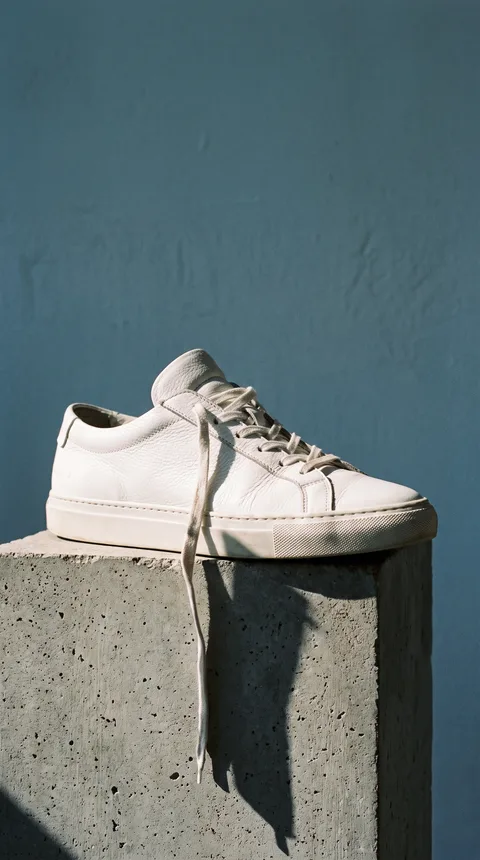
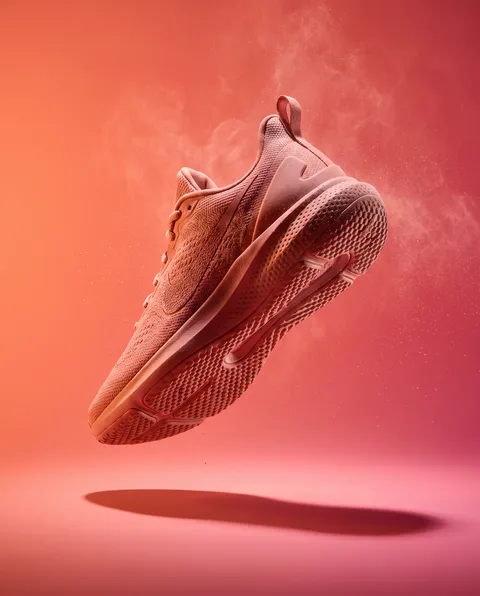
  2. Create

    Choose the model. Find the strongest direction.

    Try a model that fits the look, adjust the controls that matter, and compare variations before you decide what to develop.

  3. Edit

    Change what matters. Keep what works.

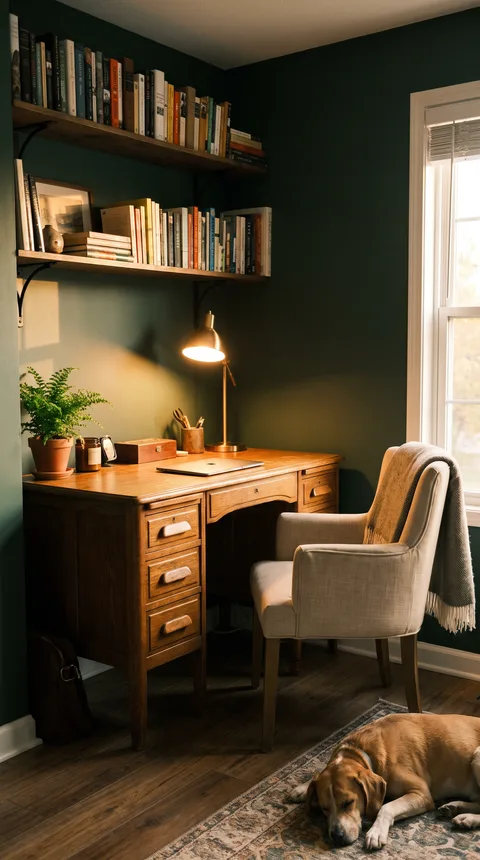
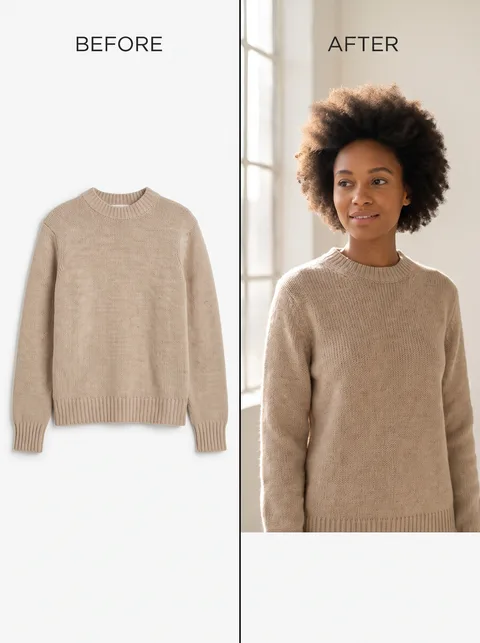
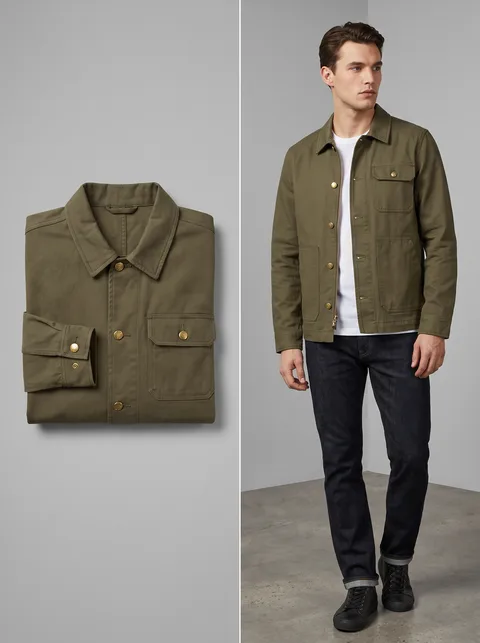
    Use one or more references to replace a background, test colors, combine products, refine a detail, or preview a room makeover.

  4. Animate

    Turn the still into a clip people will watch.

    Direct the action, camera, pace, scene changes, and supported sound to make a product reveal, social post, or moving concept.

  5. Remix

    Borrow the spark. Make the result yours.

    Open a Community Story that supports Remix. Aigenix carries over compatible details so you can change the subject, style, or purpose.

    Next: choose the right model

The right model for the job

Do more without collecting more apps.

Create, edit, and animate with a growing selection of image and video models. Controls, estimated credit cost, results, and next steps stay together.

Explore real-world workflows

Create

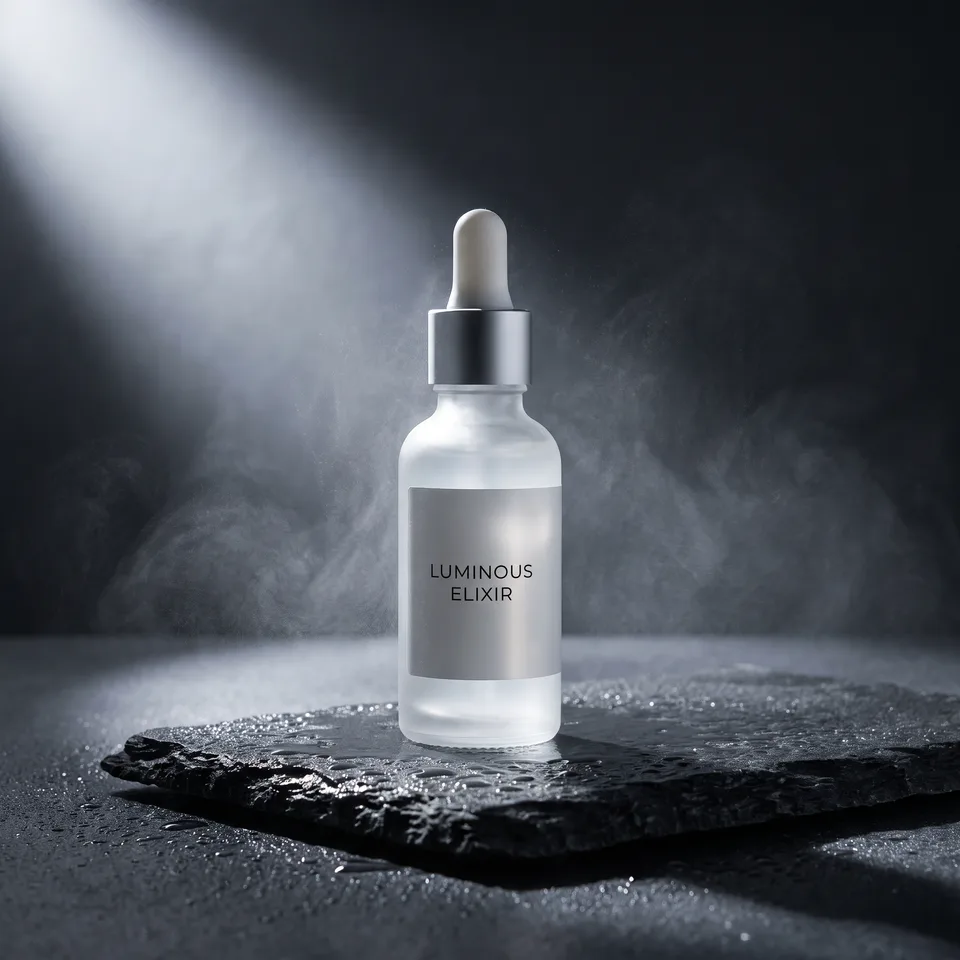
Turn a written brief into campaign concepts, thumbnails, posters, product scenes, or original artwork.

Edit

Restyle a room, replace a backdrop, combine references, change materials, or refine a detail.

Animate

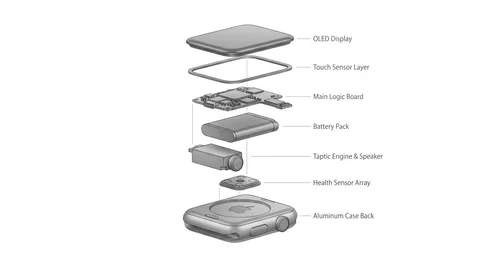
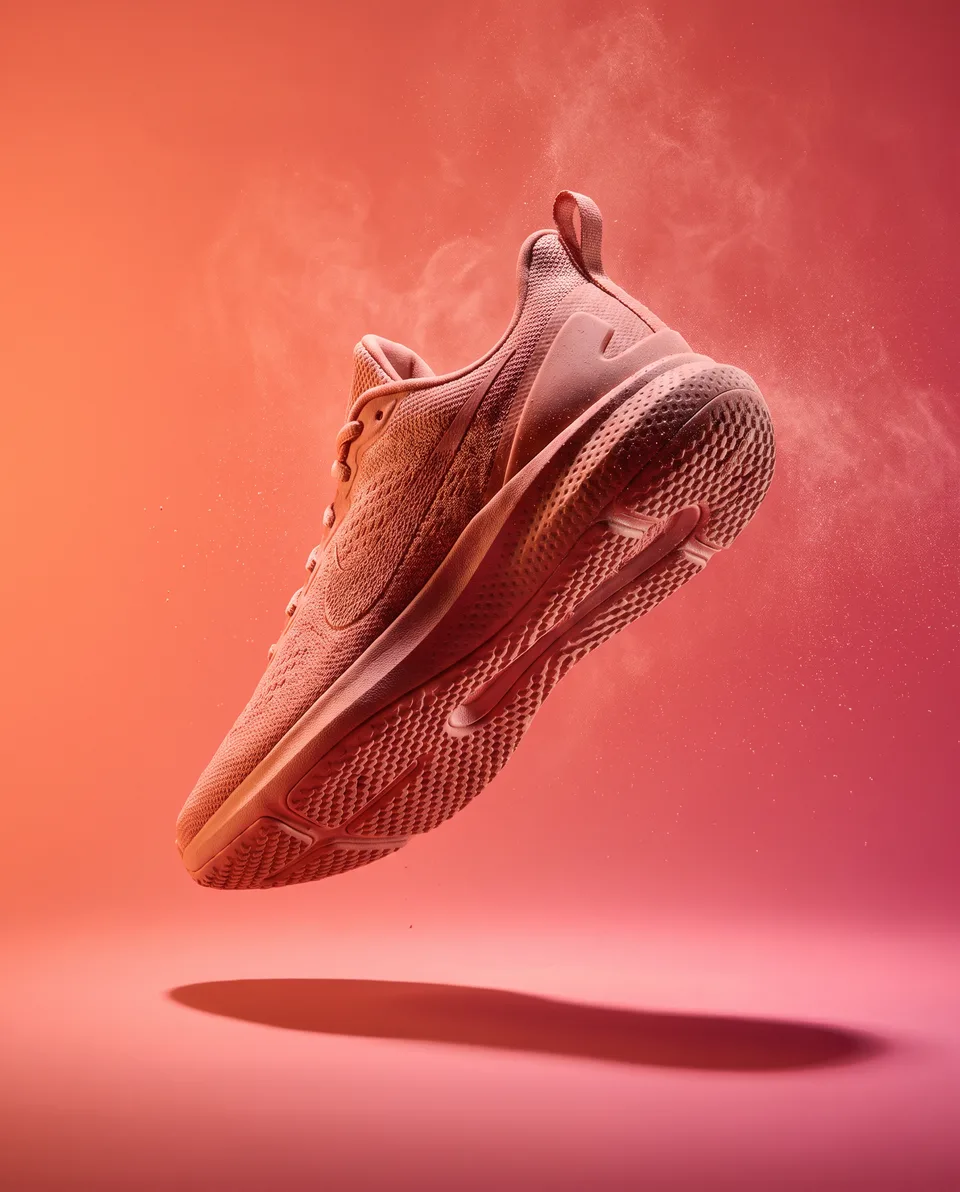
Bring a product shot, illustration, portrait, or concept frame to life with directed motion.

Direct

Describe the shot, action, camera, pace, and supported sound to create a focused short-form clip.

Inspiration you can use

See what people made. Learn how they made it.

Browse public creations by topic or model. When a prompt is shared, learn from it. When Remix is available, use the result as the first step of your own version.

See how Community and Remix work

A clearer creative workflow

Choose the outcome. See the cost. Keep going.

Aigenix keeps model selection, credit estimates, generations, and follow-up actions close together.

  1. 01

    Choose what you need

    Start with an original image, a reference edit, or a short video.

  2. 02

    Set the direction

    Write the prompt, add reference media, adjust the useful controls, and review the estimated credit cost.

  3. 03

    Use the result

    Save it, organize it, share it, publish it to Community, or carry it into the next model.

Nested prismatic frames opening around a luminous ribbon on a dark creative canvas.
One idea, carried from prompt to useful result.

Aigenix for iPhone

Make the ad. Test the room. Animate the photo.

Create something useful, find a direction in Community, and keep building without jumping between tools.

Coming soon to iPhoneSee what you can make